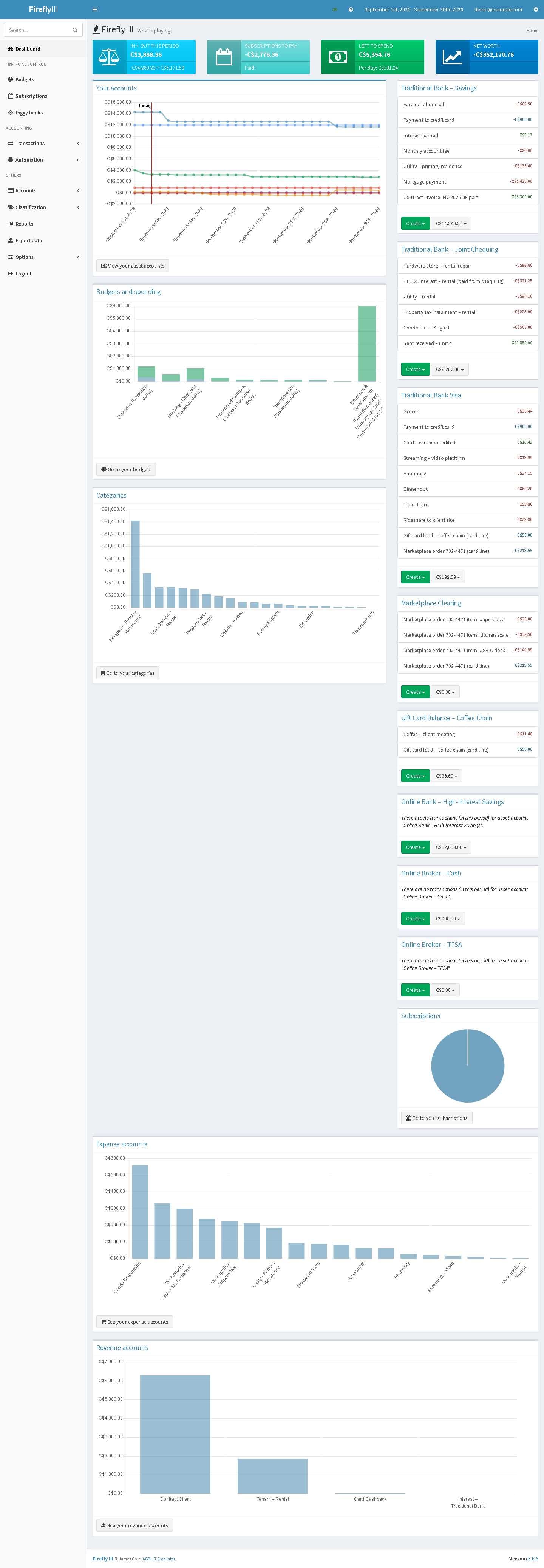
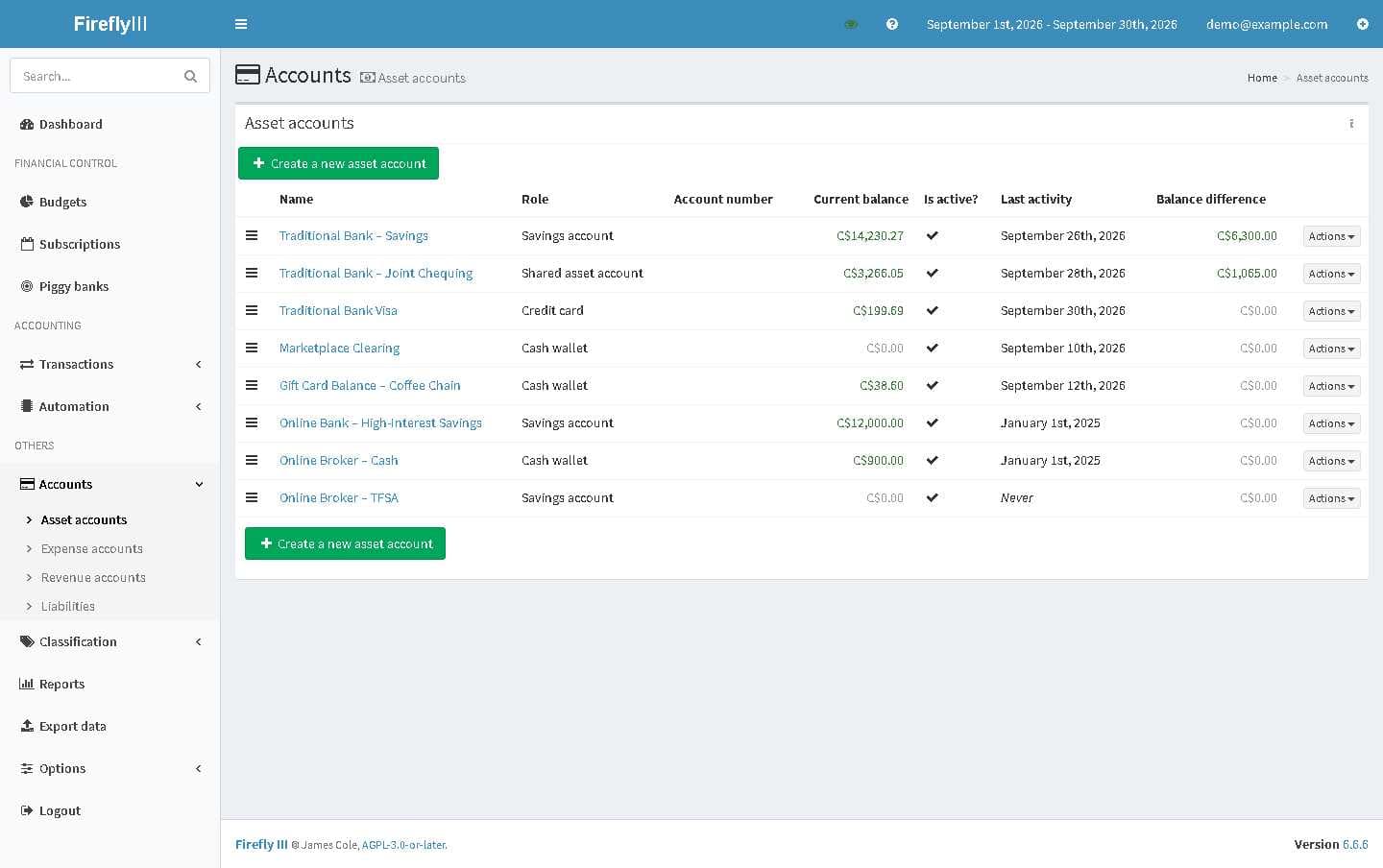
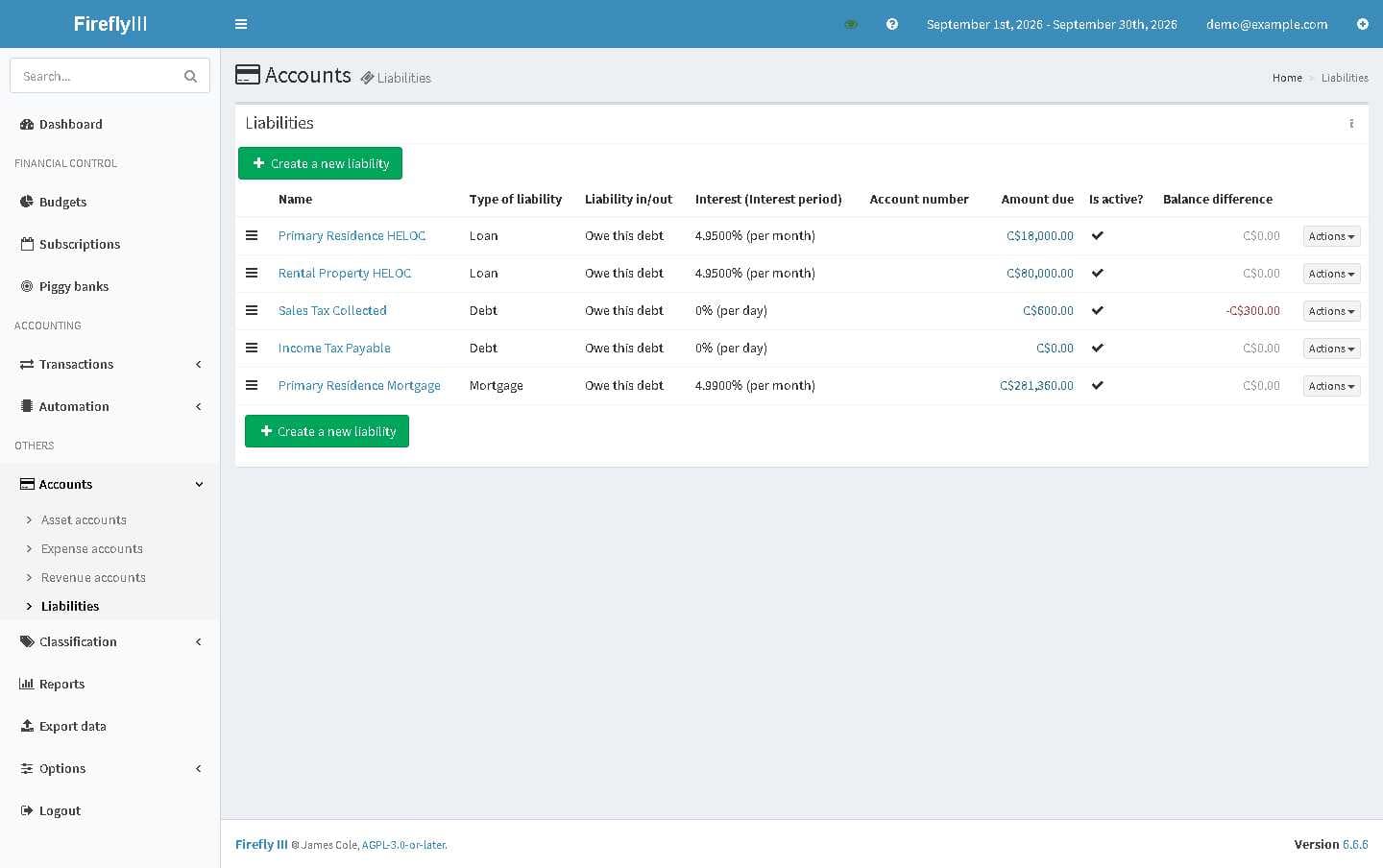
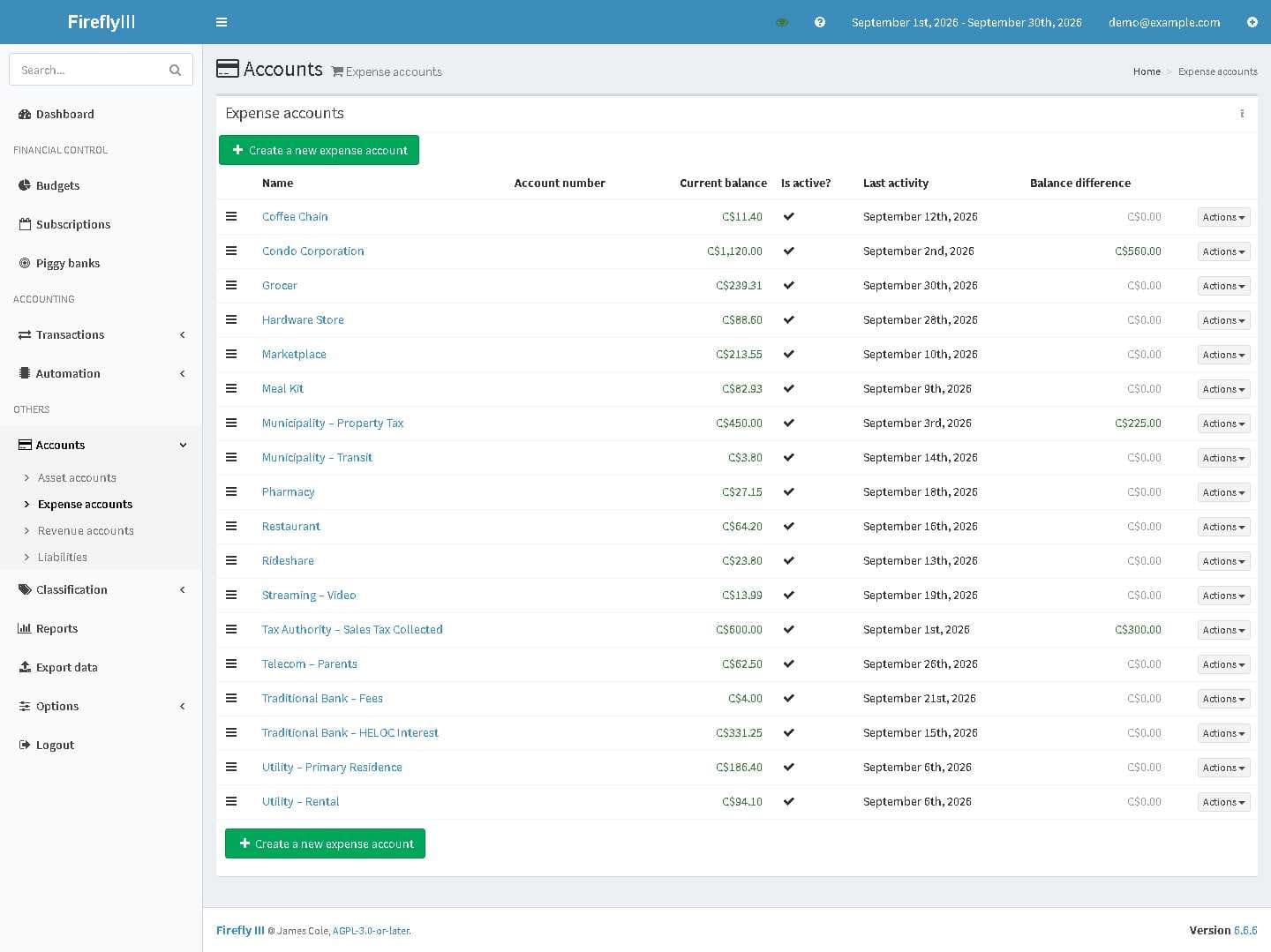
For Your Own Analysis. YMMV. This is the companion to my Ghostfolio post. I was asked about how I do budgeting and how I track and use AI for personal finance. Ghostfolio tracks what you own; Firefly III tracks where and how the cash flows: Firefly III — https://www.firefly-iii.org. It is open-source, double-entry personal finance software that you run yourself. There is a live demo at https://demo.firefly-iii.org (demo@firefly-iii.org / demo, both pre-filled) if you want to check it out before installing anything. There is no hosted service to buy, which is either the point or the dealbreaker depending on your patience for Docker. The screenshots come from a demo user seeded with invented data — every account, payee and amount below is made-up. They are numbered in the order I would look at them: 1–3: Dashboard, accounts and liabilities. Net worth across banks, cards, a clearing account and broker cash mirrors, then the liability side — mortgage, two lines of credit, sales tax collected, income tax payable. Two modelling choices do most of the work here. A credit card is an asset account with a negative balance, so paying it becomes a transfer between two accounts you own rather than an expense, and it reconciles against the statement. Investment accounts exist only as cash mirrors: the transfer in and the transfer out are recorded, the securities are not. 4: Budgets. An envelope per decision you can actually make about an amount. Monthly resetting envelopes for the steady categories, annual rolling envelopes for the lumpy ones such as travel, education and maintenance. 5: Subscriptions. A subscription in Firefly is an expectation, not a record of spend — this payee charges between X and Y every period from this anchor date. Its real value is making an absence visible: the charge that stopped, the one that quietly doubled, the seasonal one that should have ended in October. 6: Tags. Two axes rather than one pile. A cost-centre axis (personal, home office, business travel) and a behaviour axis (fixed, variable, subscription), plus a year tag and an import-cycle tag on every imported row. The first axis is what an accountant filters on. The second is what makes budgets and subscriptions meaningful. The import-cycle tag is how I later tell a statement-derived row from one a workflow posted, which matters more than it sounds. On getting data in: the importer takes a CSV plus a mapping file. It can talk to bank aggregation APIs, but for my accounts I export CSV from online and import that. Two conventions saved me a lot of grief. Every row carries a unique note with its source file and row number, because duplicate detection will otherwise happily drop the second of two legitimate same-day, same-amount charges. And transfers are counter-intuitive to map, so import one row and look at it before you run a batch. Other limits worth knowing before you invest a weekend: it is double-entry, so there is a real learning curve if you have only used a budgeting app. The feature I value most is that the household ledger is mine and stays consistent when a bank changes its export format, its categories or its app. The categories and tags are the ones I chose, not a vendor's, and eighteen months of history is still queryable in one place. Self-hosting is worth it to me for I control the data and can point AI at the bookkeeping to get answers to questions that the data can answer. One thing I would ask you not to skip if you try Firefly III. **Never hand an assistant a raw statement.** A bank PDF carries your legal name, account and card numbers, address and sometimes more, and a model needs none of it to categorize a transaction — it needs dates, amounts and merchant names. Black boxes drawn on a PDF are not redaction; the text is still in the file. I sanitize on my own machine first, with a names file, because a pattern can catch an account number but only you can tell a script that a particular name is you. The sanitize kit that does it is in both of my repos. The setup notes, compose files, the account taxonomy, the budget and subscription design, and the AI procedure are documented here: https://github.com/ANPC86/firefly-nas-setup It runs on anything that does Docker Compose.
288 views
0 Comments
+1
Join the conversation with 500,000+ other investors 💸
Create an account to get access to everything Blossom has to offer!
📊 Personalized algorithm based on your investing style, experience level and interests
📈 Powerful portfolio and dividend tracking tools
👀 See what top creators and others in the community are investing in